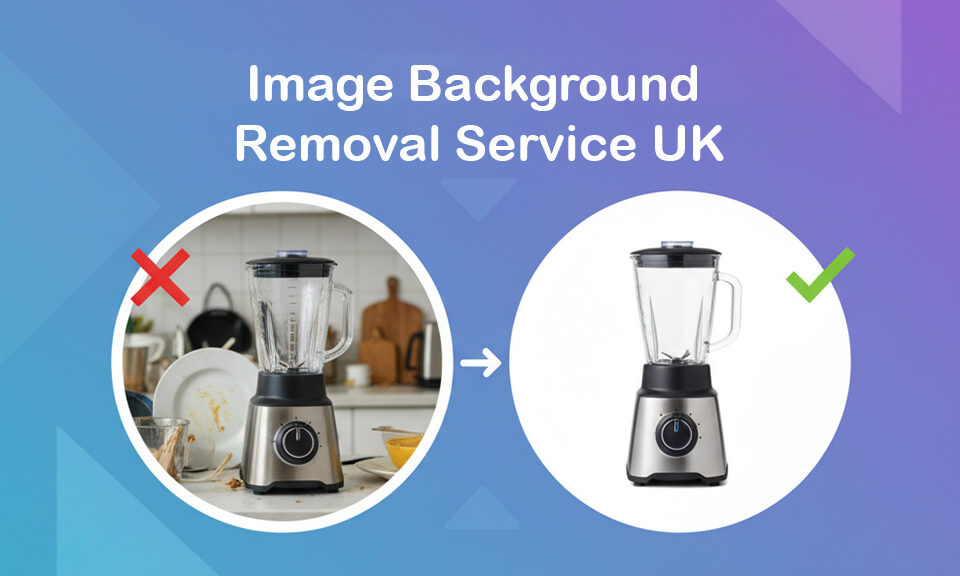
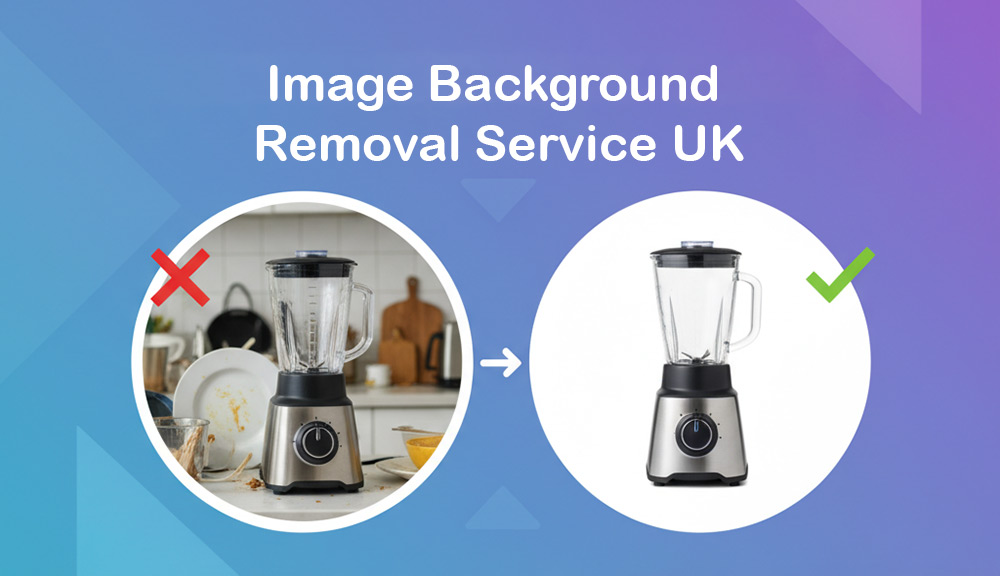
Imagine this: you’ve just taken the perfect product photo. The lighting is great, the colors pop, and your product looks incredible… except for that messy background — the office clutter, […]
In today’s digital-first era, high-quality visuals are essential for brand credibility, conversions, and content engagement. But when it comes to editing those visuals, you face a critical decision: Should you […]
Adobe Photoshop has long been the industry standard for photo editing, graphic design, and digital art. Whether you’re a professional designer, photographer, or enthusiast, Photoshop CC 2024 offers cutting-edge features […]
Backgrounds in our photos can often be distracting and not add anything significant to the photo. To help you remove the background in gimp, we have put together this blog […]
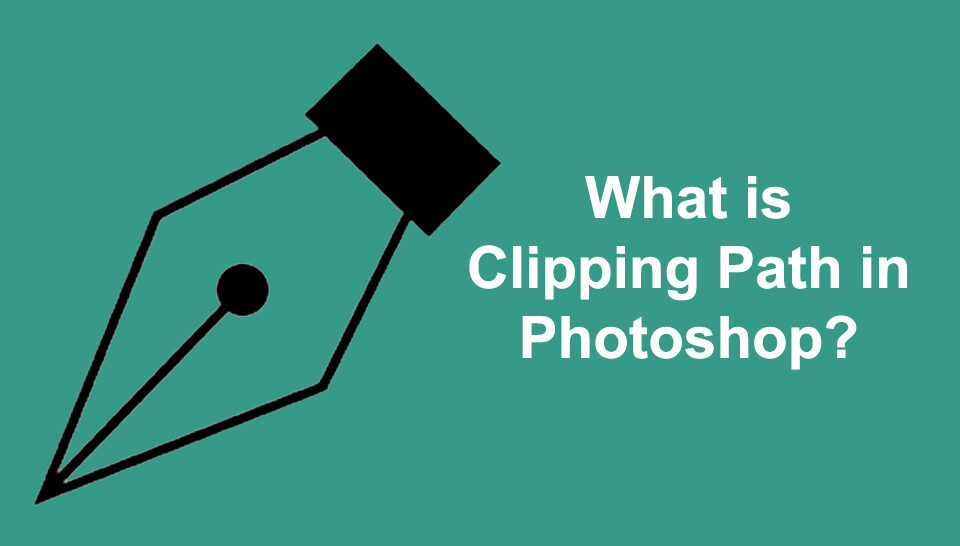
If you want to cut out images from any background professionally, then you should use the Photoshop pen tool. The pen tool will help you create a clipping path around the […]
Do you find the color of the object(s) in your photograph unsuitable for your projects? And now you would like to change it with Photoshop but don’t know how to […]
Photoshop is one of the most powerful photo editors worldwide. It’s loaded with fantastic features that help you edit images brilliantly so they appear appealing as if they were touched […]
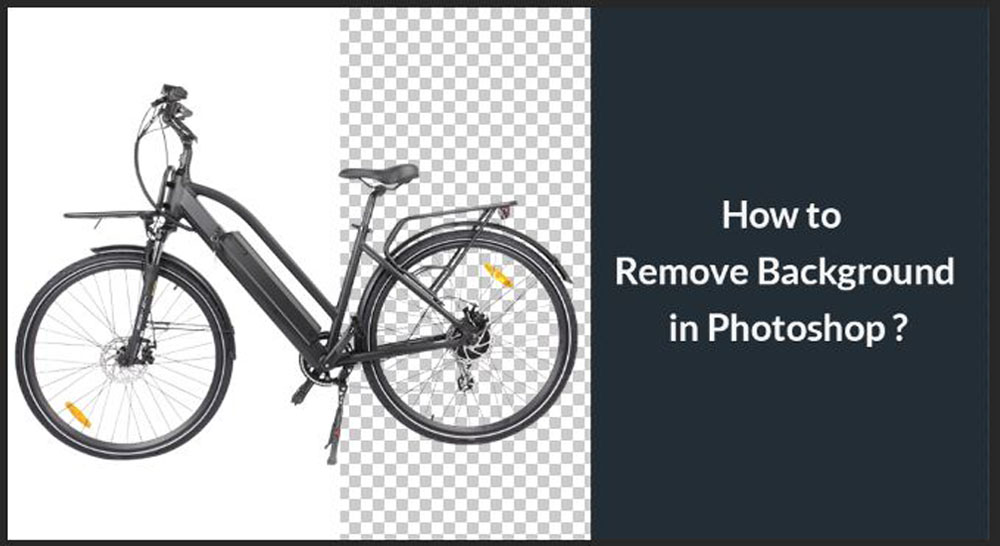
Photoshop comes with various tools for removing the background from an image. If you want to use an image, a logo, or some graphics in your design, you can simply remove the […]
Cutting out an image in Photoshop is a fundamental skill every designer and photo editor should master. Whether creating a collage, isolating a subject, or removing a background, knowing how […]
Are you looking for a simple technique to change the background color of an image in Photoshop? Then this tutorial guide is for you. There is no doubt that Adobe Photoshop […]
GIMP (GNU Image Manipulation Program) is a versatile and powerful tool for digital artists and photo editors. One of the essential aspects of working with GIMP is mastering the various […]
If you’re not a professional photographer, your product photos might not be as great as you’d like them. Fortunately, you can do a few things in post-production to improve your […]