If you want to cut out images from any background professionally, then you should use the Photoshop pen tool. The pen tool will help you create a clipping path around the […]
Do you find the color of the object(s) in your photograph unsuitable for your projects? And now you would like to change it with Photoshop but don’t know how to […]
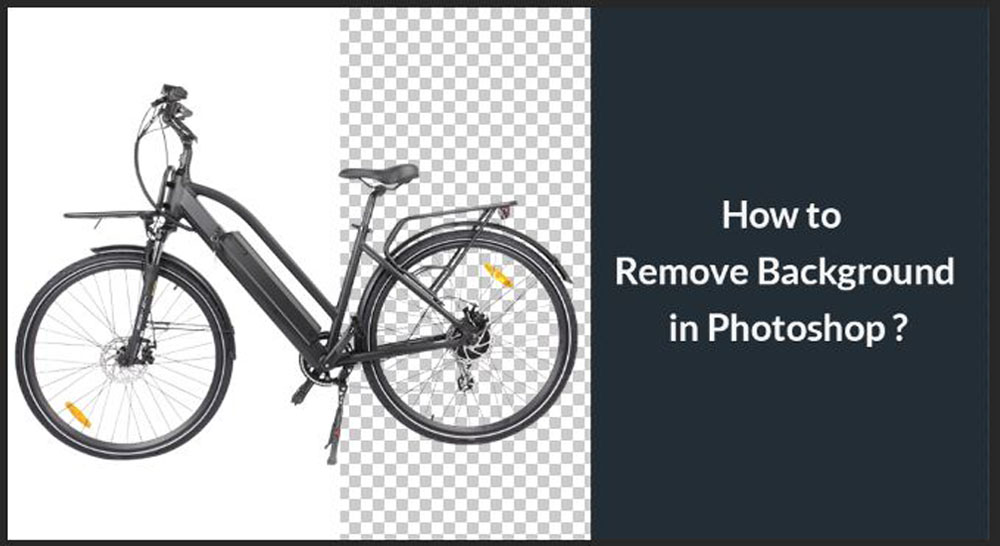
Photoshop comes with various tools for removing the background from an image. If you want to use an image, a logo, or some graphics in your design, you can simply remove the […]
Cutting out an image in Photoshop is a fundamental skill every designer and photo editor should master. Whether creating a collage, isolating a subject, or removing a background, knowing how […]
Are you looking for a simple technique to change the background color of an image in Photoshop? Then this tutorial guide is for you. There is no doubt that Adobe Photoshop […]
Do you wish to transform your solid-color or opaque background photographs into transparent ones without losing quality in Adobe Photoshop? Keep reading to discover how to use the software to […]
Do you find it hard to remove solid colors from your image background? Keep reading to find out how you can accomplish that. Removing background from an image can be […]
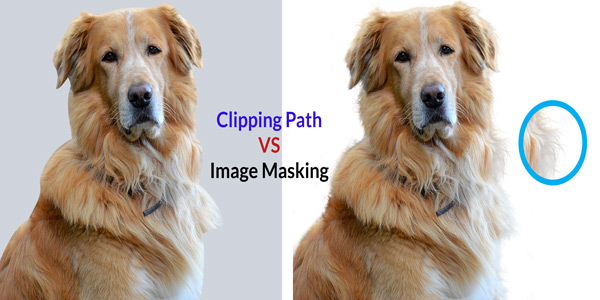
In photo editing and graphic design, two techniques stand out for their ability to isolate and manipulate specific parts of an image: clipping path and image masking. While both methods […]
Hey! It’s fantastic to have you on our website. Thanks for choosing us in a rapid search. Our content is all about guiding you to select the best clipping path service provider. It […]
Whether you are a photographer or not, you most likely have edited a picture at least once in your life. However, there are many myths surrounding photo-editing (or post-processing), that […]