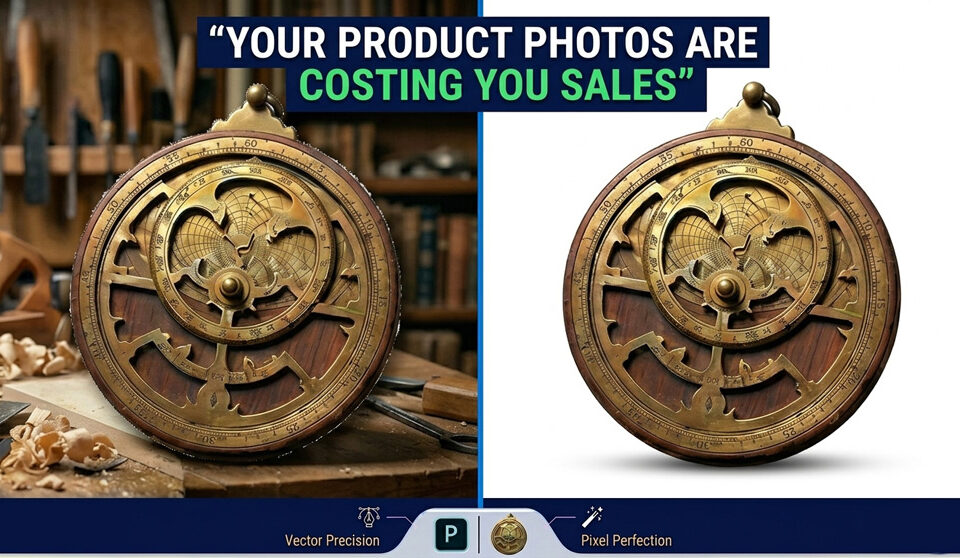
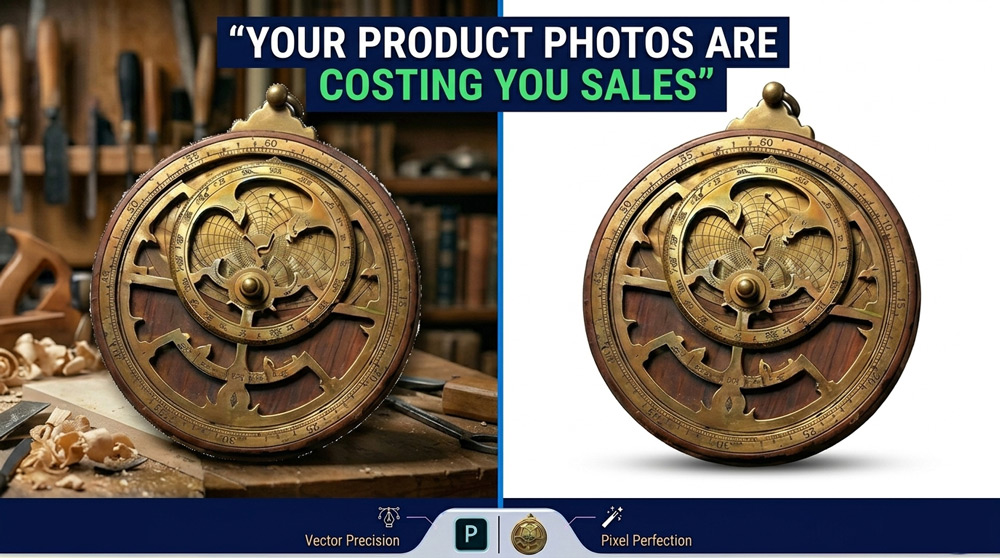
Most eCommerce brands think their problem is traffic. They spend money on ads. They tweak product descriptions. They test pricing. But sales still don’t move. Here’s the uncomfortable truth: 👉 […]
Most eCommerce teams struggle with inconsistent product images. Some images look sharp and clean. Others have rough edges, missing details, or poorly removed backgrounds. This creates a messy catalog and […]
Most eCommerce teams struggle with handling hundreds of product images consistently. One image has a perfect white background. Another has rough edges. Some look stretched, others have messy cutouts. The […]
Most creative teams don’t have a talent problem. They have a time problem. Photographers, post-production managers, and creative directors are hired for one reason: to create high-quality visuals that drive […]
In the digital era, fashion is no longer just about design — it’s about presentation. From luxury brands to growing online boutiques, everyone relies on high-quality images to capture customers’ […]
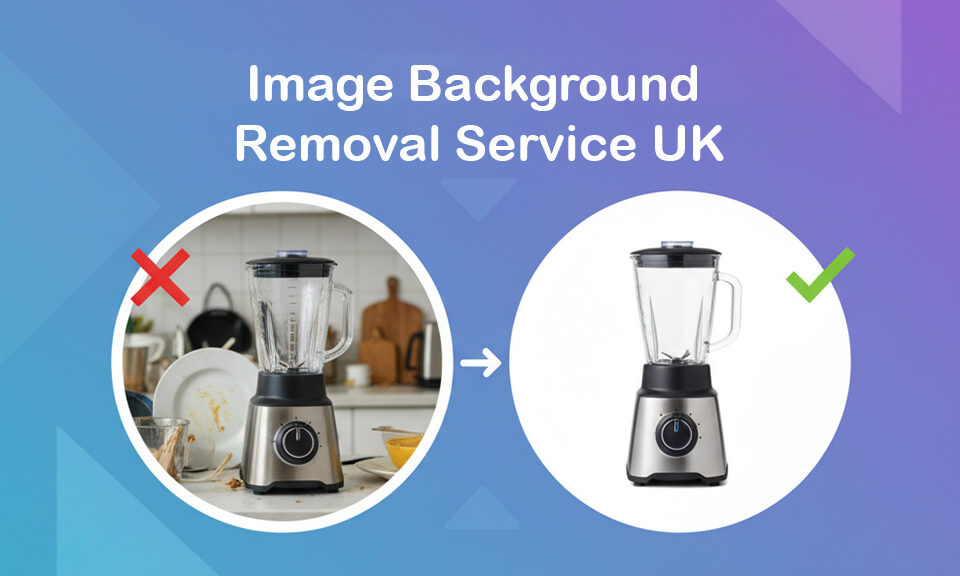
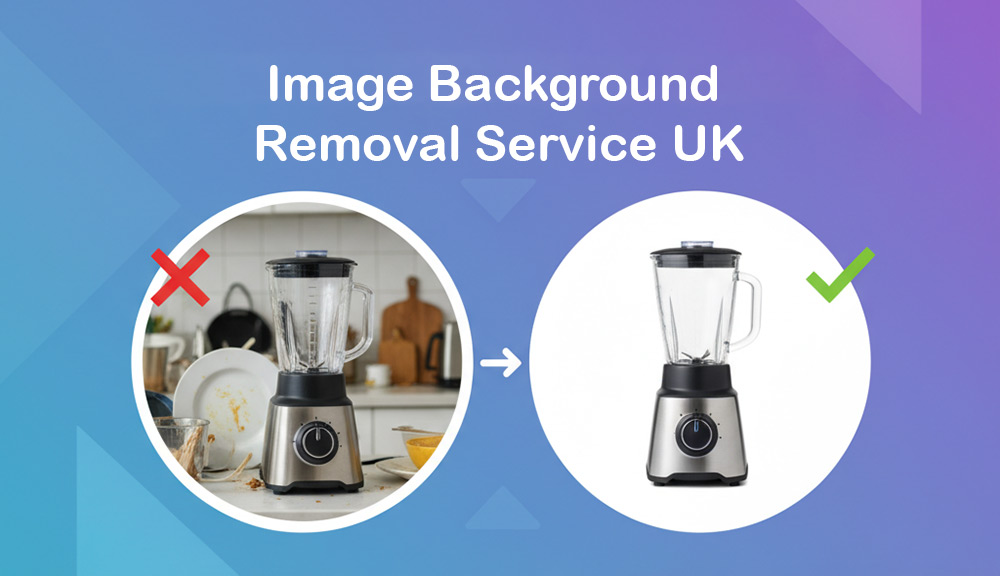
Imagine this: you’ve just taken the perfect product photo. The lighting is great, the colors pop, and your product looks incredible… except for that messy background — the office clutter, […]
When it comes to selling home appliances online, your product photos are your silent salespeople. They greet your customers before your product descriptions do, and they often decide whether someone […]
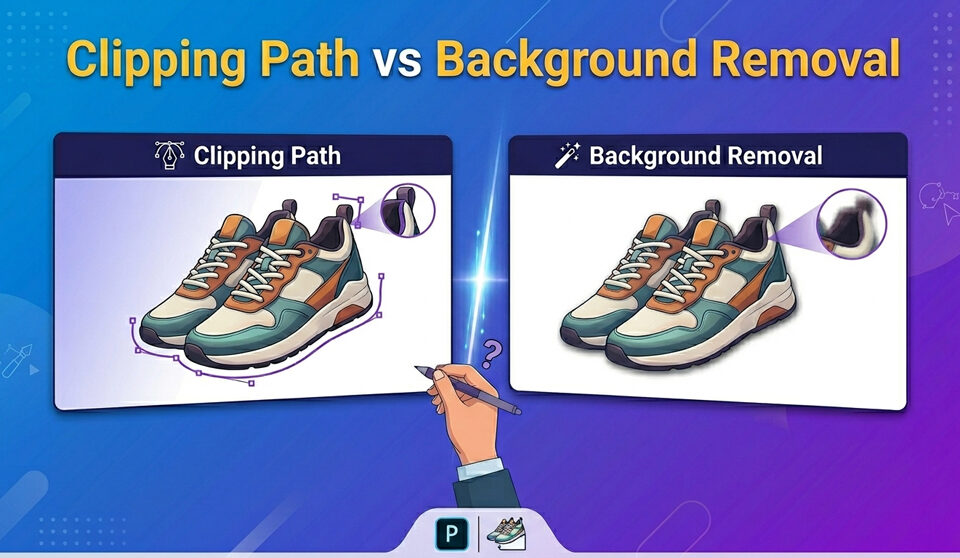
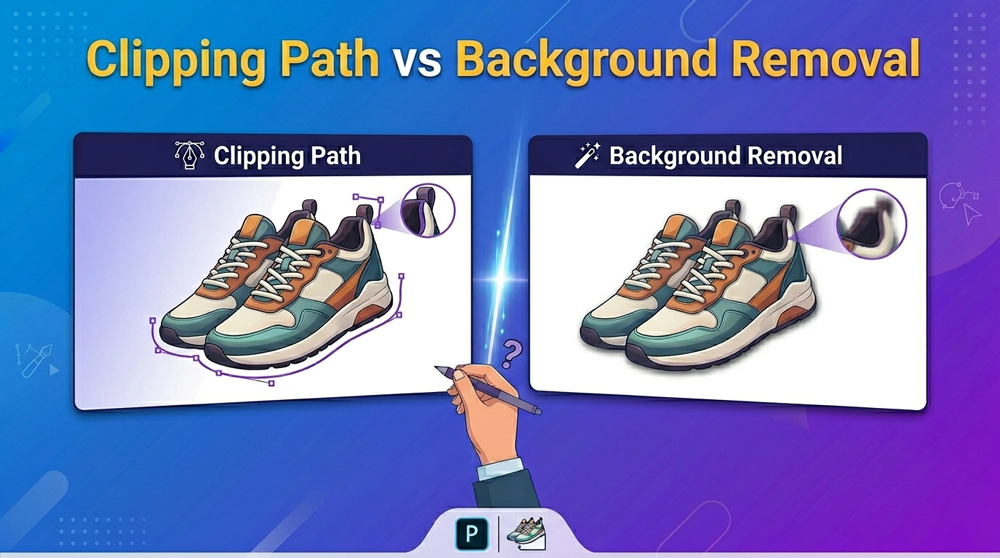
In today’s digital-first era, high-quality visuals are essential for brand credibility, conversions, and content engagement. But when it comes to editing those visuals, you face a critical decision: Should you […]
In today’s fast-paced digital world, visual content is pivotal in grabbing attention and leaving a lasting impression. Whether you’re a business owner, a professional photographer, or an e-commerce entrepreneur, the […]
If you want to learn what a Clipping Mask is in Photoshop, you have come to the right place. In this tutorial, we will compare Image Masks and Clipping masks. […]
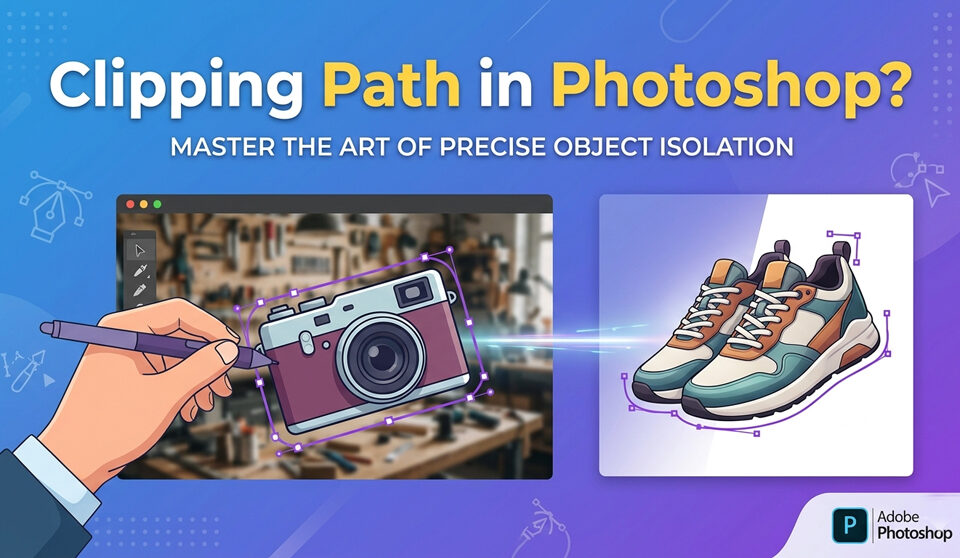
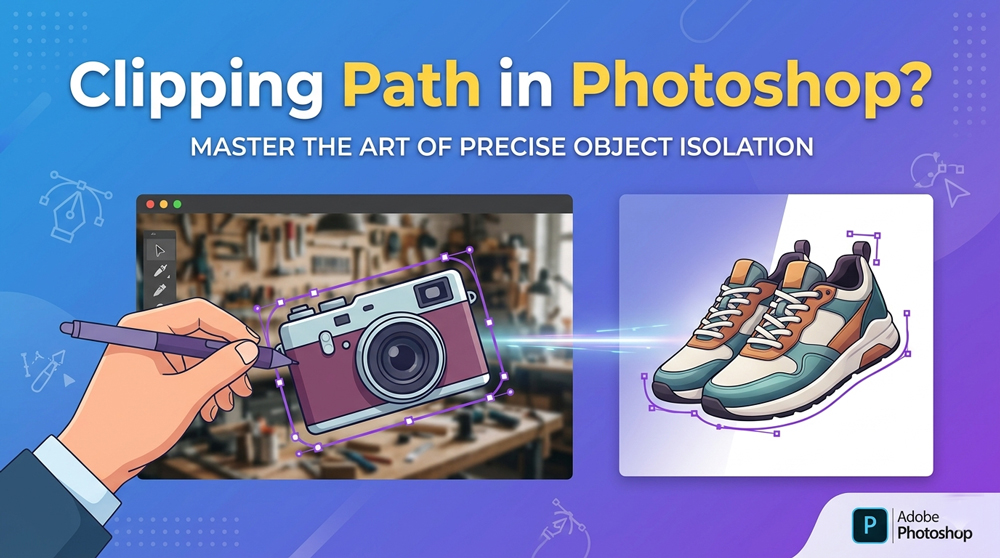
If you want to cut out images from any background professionally, then you should use the Photoshop pen tool. The pen tool will help you create a clipping path around the […]
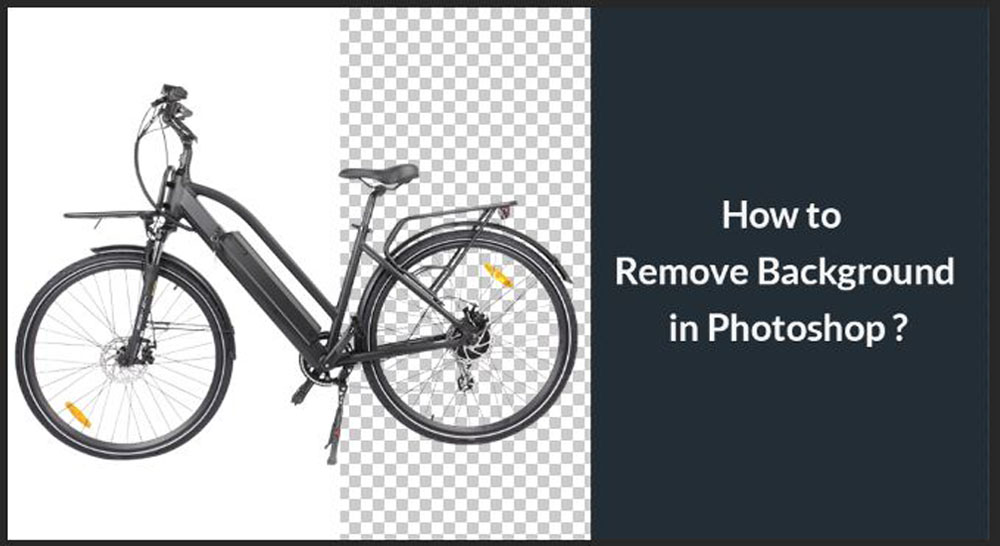
Photoshop comes with various tools for removing the background from an image. If you want to use an image, a logo, or some graphics in your design, you can simply remove the […]