
What is Clipping Path in Photoshop? (Complete Guide for eCommerce)
Most eCommerce teams struggle with handling hundreds of product images consistently.
One image has a perfect white background. Another has rough edges. Some look stretched, others have messy cutouts. The result? Your store looks unprofessional, even if your products are great.
And when you scale, this problem gets worse.
Editing images manually takes time. Inconsistent edits reduce trust. Poor visuals hurt conversions.
That’s where clipping paths in Photoshop come in.
Table of Contents
What is a Clipping Path in Photoshop?
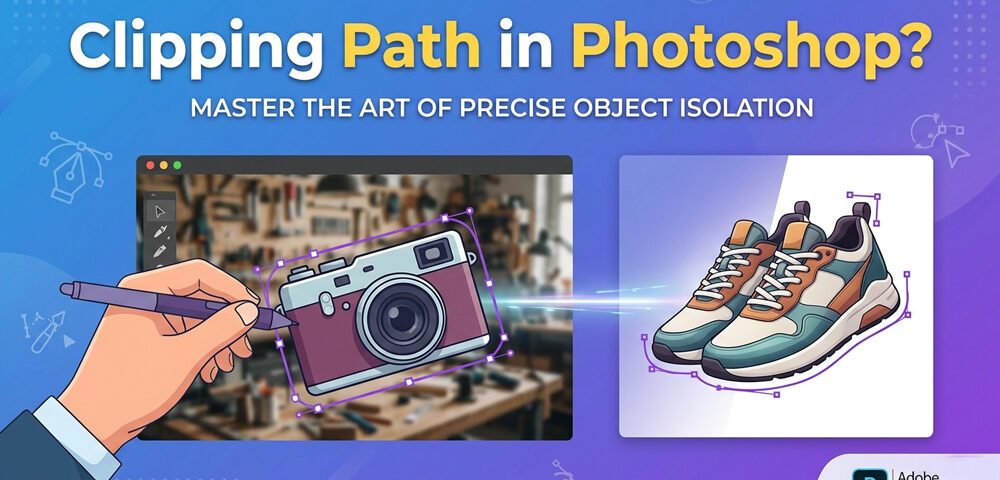
A clipping path is a precise outline created around an object in an image using the Photoshop Pen Tool.
It allows you to:
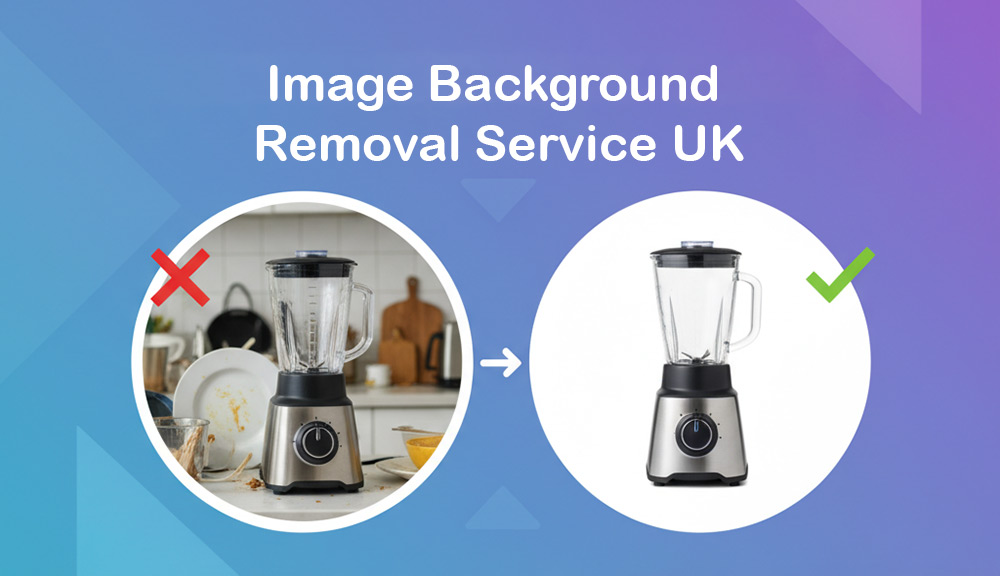
- Remove backgrounds cleanly
- Isolate objects with pixel-perfect edges
- Control exactly what part of the image is visible
Think of it like drawing a custom cutout around your product so everything else disappears.
No blur. No rough edges. Just clean, sharp results.
Why Clipping Paths Matter for eCommerce
If you sell online, image quality directly affects your sales.
Here’s why clipping paths are essential:
- Clean images build trust
- Consistent visuals improve brand identity
- Marketplace platforms require proper formatting
- Better images increase click-through and conversion rates
Platforms like Amazon, Shopify, and eBay demand clean white backgrounds, and clipping paths make that possible.
How Clipping Path Works (Simple Breakdown)
The process is straightforward but requires precision:
- Open the image in Photoshop
- Select the Pen Tool
- Manually draw a path around the object
- Convert the path into a selection
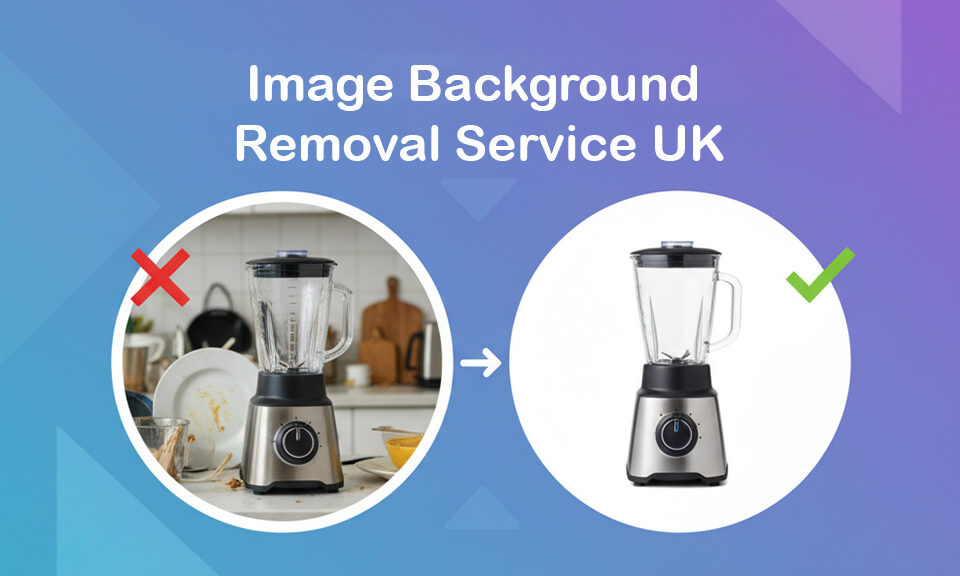
- Remove or replace the background
The key is accuracy. Every curve, edge, and detail must be traced properly.
That’s why many businesses rely on a clipping path service instead of doing it in-house.
Types of Clipping Paths
Not all images are the same. Different products require different levels of complexity.
1. Basic Clipping Path
Best for simple shapes.
- Boxes
- Books
- Bottles
2. Medium Clipping Path
For objects with moderate curves and details.
- Shoes
- Furniture
- Electronics
3. Complex Clipping Path
Used for detailed or irregular shapes.
- Jewelry
- Bicycles
- Machinery
4. Multiple Clipping Paths
For editing different parts of an image separately.
- Color correction
- Shadow adjustment
- Product variations
Clipping Path vs Background Removal
Many people confuse these two, but they’re not the same.
Clipping Path:
- Manual, highly accurate
- Best for solid objects
- Uses Photoshop Pen Tool
Background Removal Service:
- Can be manual or AI-based
- Faster but sometimes less precise
- Struggles with sharp edges
If you want perfect edges for product listings, clipping paths are the better choice.
Real Use Cases (Where Clipping Paths Are Used)
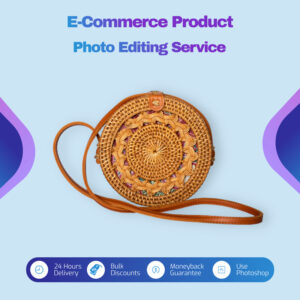
eCommerce Product Images
- Remove distracting backgrounds
- Create consistent catalog visuals
- Prepare images for marketplaces
Example:
A clothing brand uses clipping paths to display products on clean white backgrounds across its entire store.
Automotive Dealerships
- Clean up car images for listings
- Replace backgrounds with showroom-style scenes
- Highlight wheels, interiors, and features
Example:
A dealership processes hundreds of vehicle images daily using clipping paths to maintain a consistent look.
Fashion & Apparel
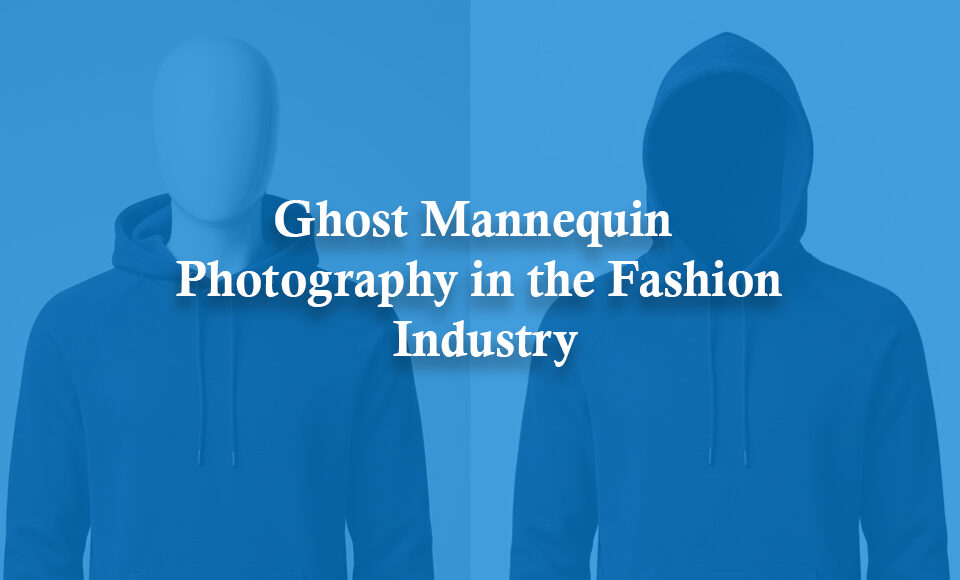
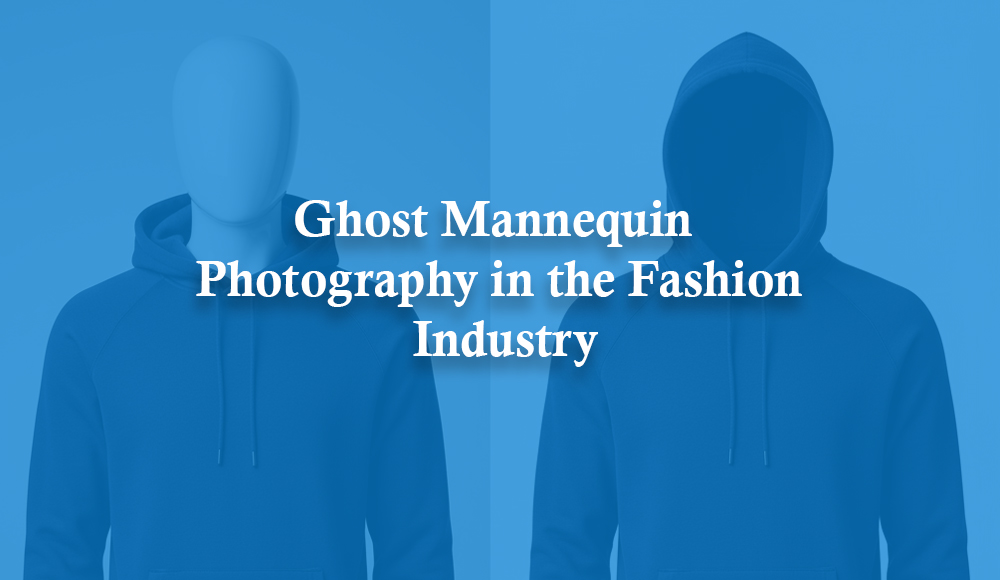
- Ghost mannequin editing
- Shape correction
- Wrinkle removal preparation
Print Media & Advertising
- Magazine layouts
- Billboard designs
- Product catalogs
Clipping paths allow designers to place images anywhere without background issues.
Benefits of Using Clipping Paths
Here’s why professionals rely on clipping paths:
- Pixel-perfect edges
- High-quality background removal
- Better control over image editing
- Works for print and web
- Scalable for bulk editing
If you’re managing large image volumes, this becomes critical.
Challenges of Doing It In-House
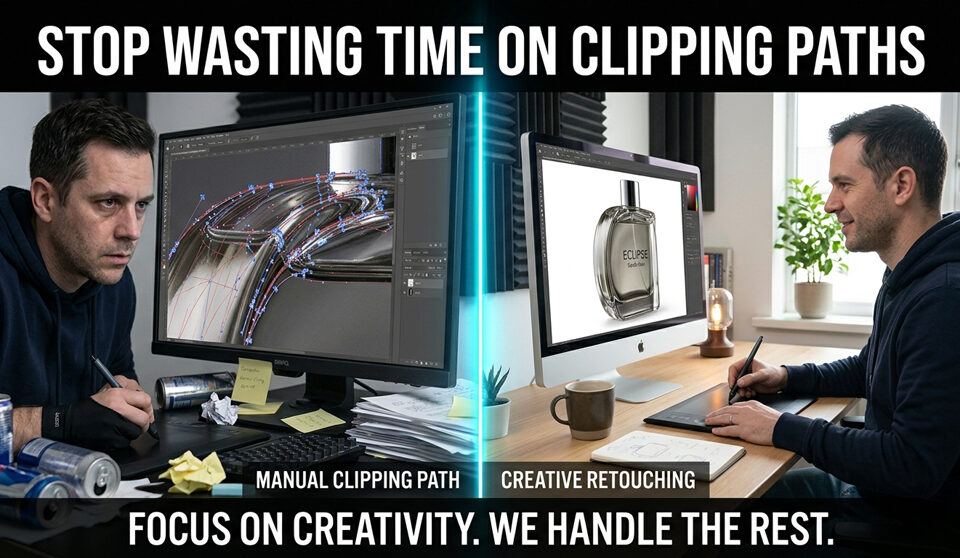
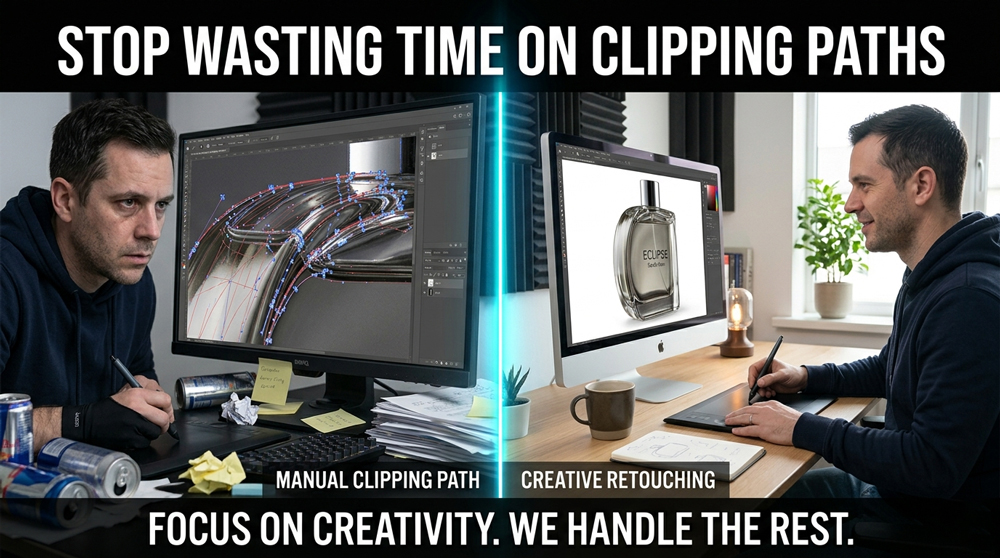
Clipping paths look simple, but they’re time-consuming.
Common challenges:
- Takes 5–20 minutes per image
- Requires skilled designers
- Hard to maintain consistency across batches
- Slows down workflow
Now imagine handling 500–1000 images.
That’s where outsourcing a clipping path service makes sense.
Clipping Path for Bulk Image Editing
When businesses scale, they need:
- Fast turnaround
- Consistent results
- Ability to handle large volumes
A professional service can process thousands of images daily without sacrificing quality.
This is especially useful for:
- eCommerce stores
- Product photographers
- Marketing agencies
- Automotive companies
SEO & AI Optimization (Why This Matters Now)
Search engines and AI systems now analyze image quality.
Better images mean:
- Higher engagement
- Better rankings
- Improved product visibility
Clean, optimized visuals help your content perform better in both search results and AI-driven platforms.
When Should You Use a Clipping Path Service?
You should consider outsourcing when:
- You handle bulk images regularly
- You need consistent quality
- Your team spends too much time on editing
- You want faster turnaround
Instead of spending hours on manual editing, you can focus on growth.
Final Thoughts
Clipping paths are not just a design technique. They are a core part of modern eCommerce image workflows.
If your images are inconsistent, messy, or slow to process, it directly affects your business.
Clean visuals = more trust = more sales.
And as competition increases, image quality becomes a key differentiator.
Try It Yourself (Free)
If you’re handling bulk images and want consistent results, you can test a professional clipping path service with no risk.
👉 Send 10 images and get a free trial.
No commitment. Just clean, high-quality results you can use immediately.