
Clipping Path vs Background Removal: What’s the Difference?
Most eCommerce teams struggle with inconsistent product images.
Some images look sharp and clean. Others have rough edges, missing details, or poorly removed backgrounds. This creates a messy catalog and reduces trust instantly.
The confusion usually comes down to one question:
Should you use clipping path or a background removal service?
They sound similar, but they are not the same.
Understanding the difference can save time, improve image quality, and increase conversions.
Table of Contents
What is Clipping Path?
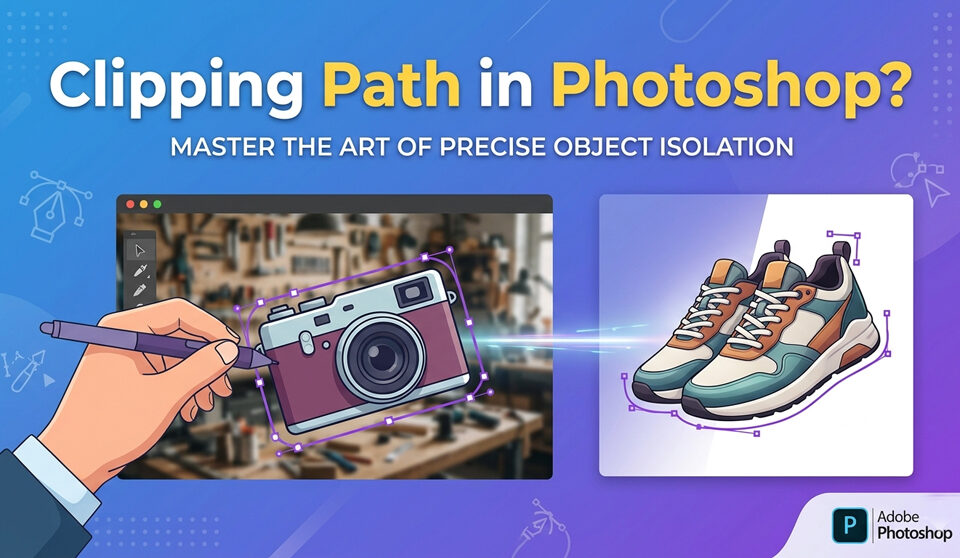
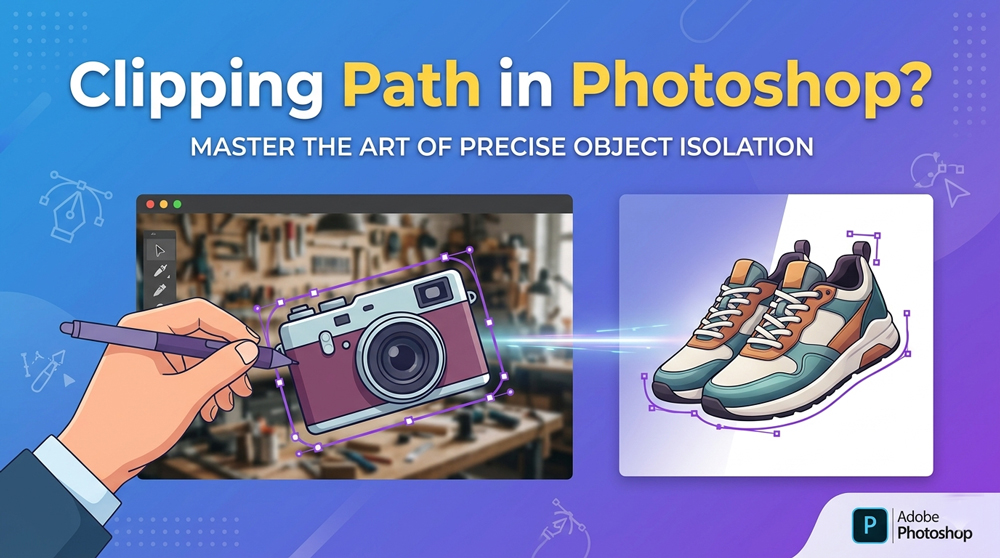
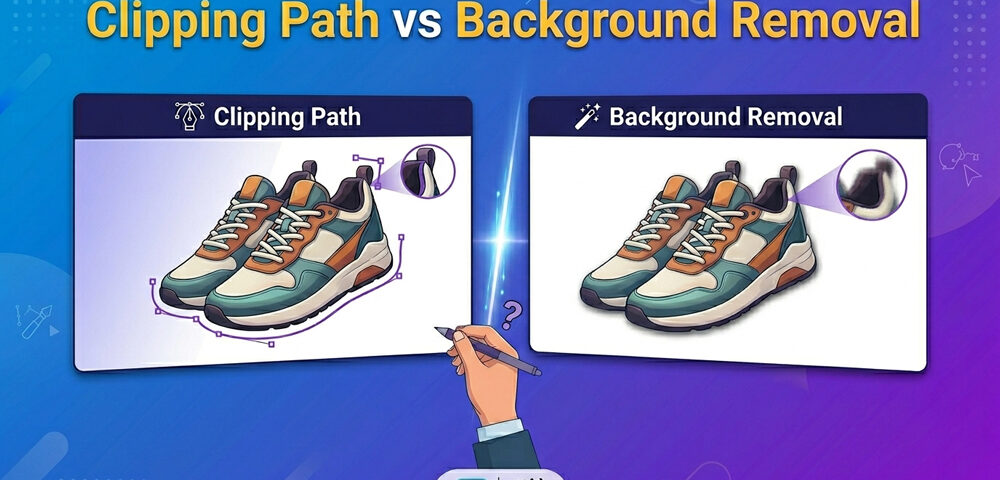
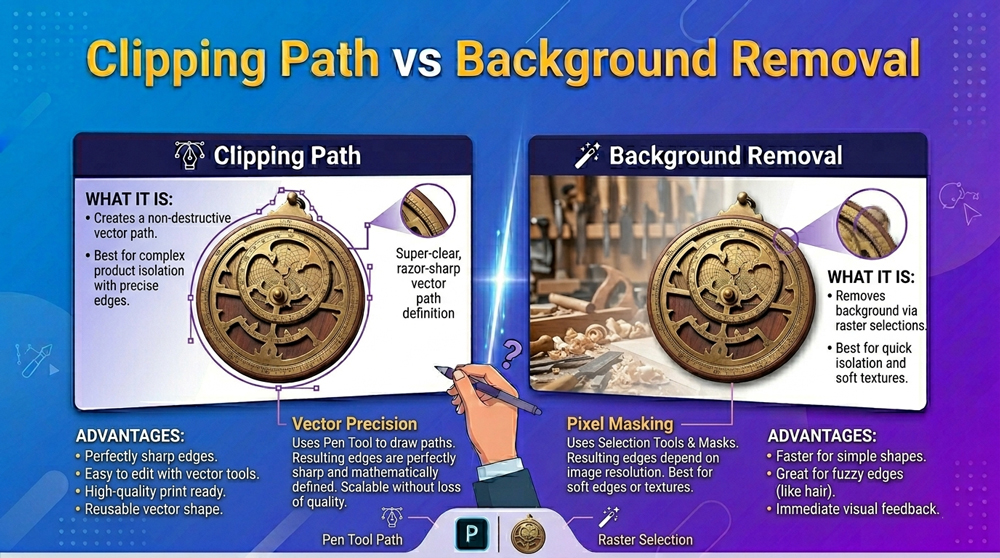
A clipping path is a manual technique used in Adobe Photoshop where a designer uses the Photoshop Pen Tool to draw a precise outline around an object.
This allows you to:
- Remove the background cleanly
- Isolate objects with sharp edges
- Maintain full control over the image
It’s widely used in professional clipping path service workflows because of its accuracy.
What is Background Removal?
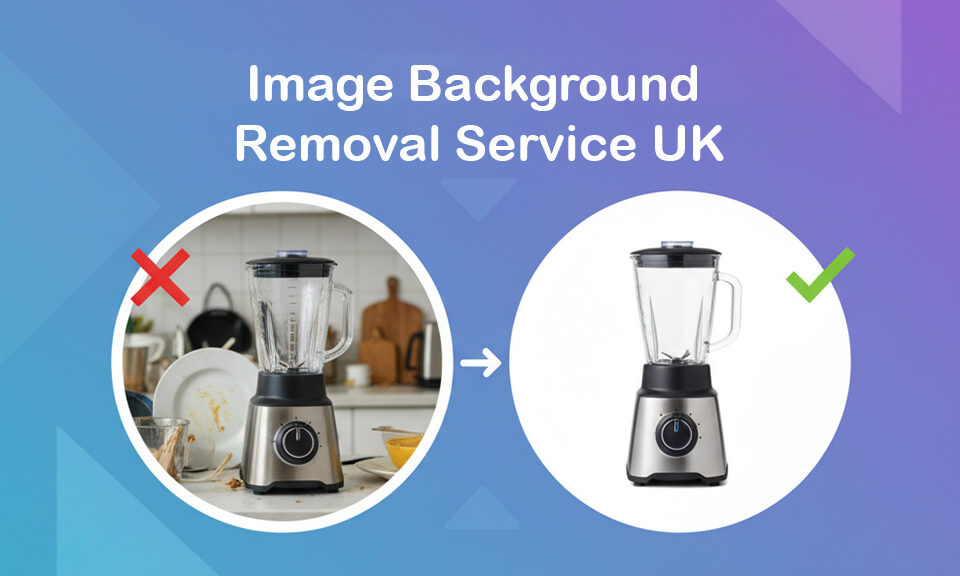
A background removal service is the process of removing the background from an image using either:
- AI tools
- Automated software
- Or quick manual methods
It’s faster than clipping paths but may not always be perfect.
Typical results:
- Works well for simple images
- Struggles with complex edges
- May lose fine details
How Each Method Works
Clipping Path (Manual Process)
- Open image in Photoshop
- Use the Pen Tool to draw a path
- Convert path into a selection
- Remove or replace background
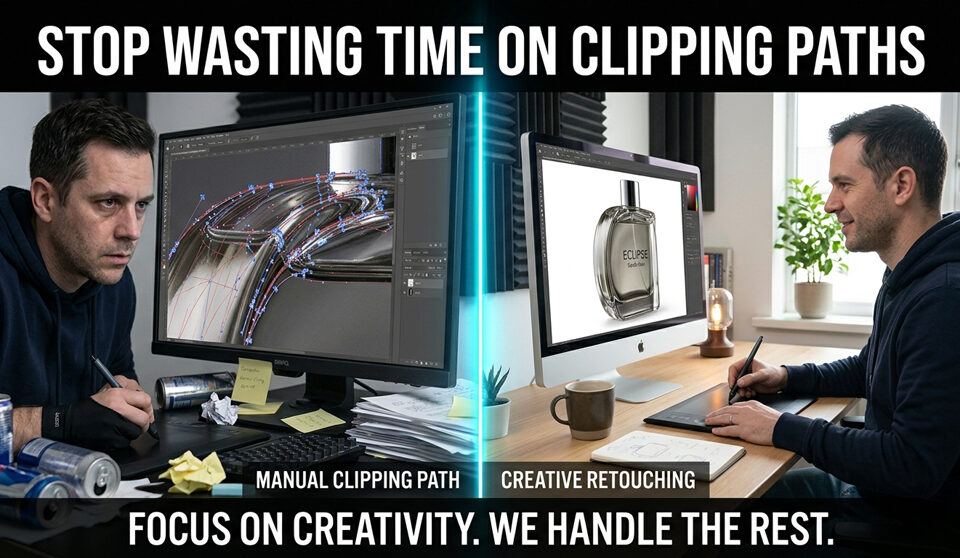
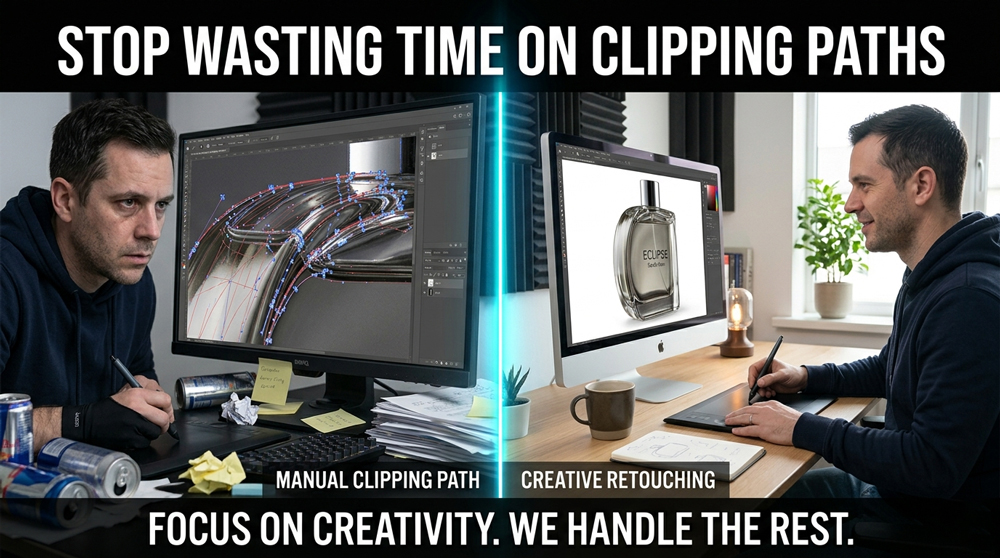
This process is time-consuming but highly accurate.
Background Removal (Automated / AI)
- Upload image to a tool or software
- AI detects the subject
- Background is removed automatically
Fast, but not always precise.
Key Differences Between Clipping Path and Background Removal
Here’s a clear comparison:
Accuracy
- Clipping Path: Extremely precise
- Background Removal: Moderate (depends on AI)
Speed
- Clipping Path: Slower
- Background Removal: Very fast
Edge Quality
- Clipping Path: Clean, sharp edges
- Background Removal: Can be rough or blurry
Best For
- Clipping Path: eCommerce, product images
- Background Removal: quick edits, simple visuals
Featured Snippet Answer
Clipping path is a manual method in Photoshop using the Pen Tool to create precise outlines for accurate background removal, while background removal typically uses AI or automation to remove backgrounds quickly but with less precision. Clipping paths are best for high-quality eCommerce images.
When to Use Clipping Path
You should use a clipping path service when:
- You need pixel-perfect edges
- Your products have sharp outlines
- Image quality directly impacts sales
- You want consistent catalog visuals
Best for:
- Electronics
- Furniture
- Automotive parts
- Product listings
When to Use Background Removal Service
A background removal service is suitable when:
- You need fast results
- Images are simple
- You’re processing large volumes quickly
Best for:
- Social media content
- Quick marketing visuals
- Simple objects
Real Use Cases
eCommerce Product Images
Clean images are essential for conversions.
- White background requirements (Amazon, Shopify)
- Consistent product catalogs
- Professional presentation
Clipping paths are often the preferred choice here.
Automotive Dealerships
Dealers handle hundreds of images daily.
- Remove distracting backgrounds
- Create consistent listing visuals
- Highlight car details
Clipping path ensures every vehicle looks polished.
Fashion & Apparel
Fashion brands need precision.
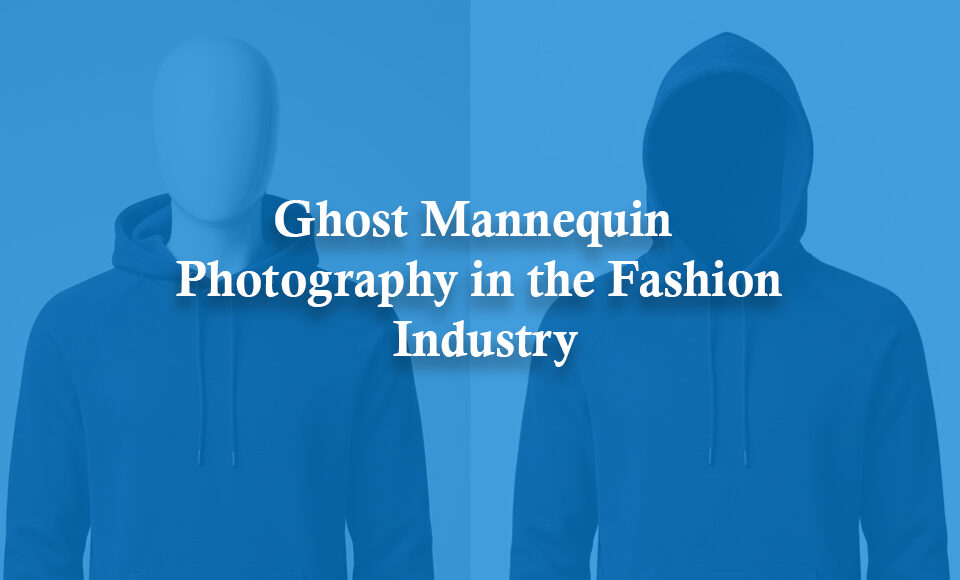
- Ghost mannequin editing
- Shape correction
- Clean catalog presentation
Manual clipping paths deliver better results than AI.
Benefits of Using the Right Method
Choosing the right method improves your workflow:
- Better image consistency
- Higher conversion rates
- Faster production (when optimized)
- Professional brand appearance
Challenges You Should Know
Let’s be honest.
Clipping Path Challenges:
- Time-consuming
- Requires skilled editors
- Hard to scale internally
Background Removal Challenges:
- Inconsistent results
- Poor edge quality
- Loss of fine details
Understanding these trade-offs helps you decide better.
When to Use a Professional Service
If you’re handling bulk images, doing this in-house becomes difficult.
You should consider outsourcing when:
- You process hundreds of images regularly
- You need consistent quality
- Your team is overloaded
- Turnaround time matters
A professional clipping path service or background removal service can handle volume without compromising quality.
Final Thoughts
Clipping path and background removal are both useful, but they serve different purposes.
If quality matters, go with clipping paths.
If speed matters, background removal works.
The best approach depends on your workflow, volume, and quality requirements.
For eCommerce and professional use, clipping paths are still the gold standard.
Try It Yourself (Free)
If you’re handling bulk images and want clean, consistent results:
👉 You can test our clipping path service with 10 free images.
No commitment. Just see the difference in quality.